Artificial Intelligence
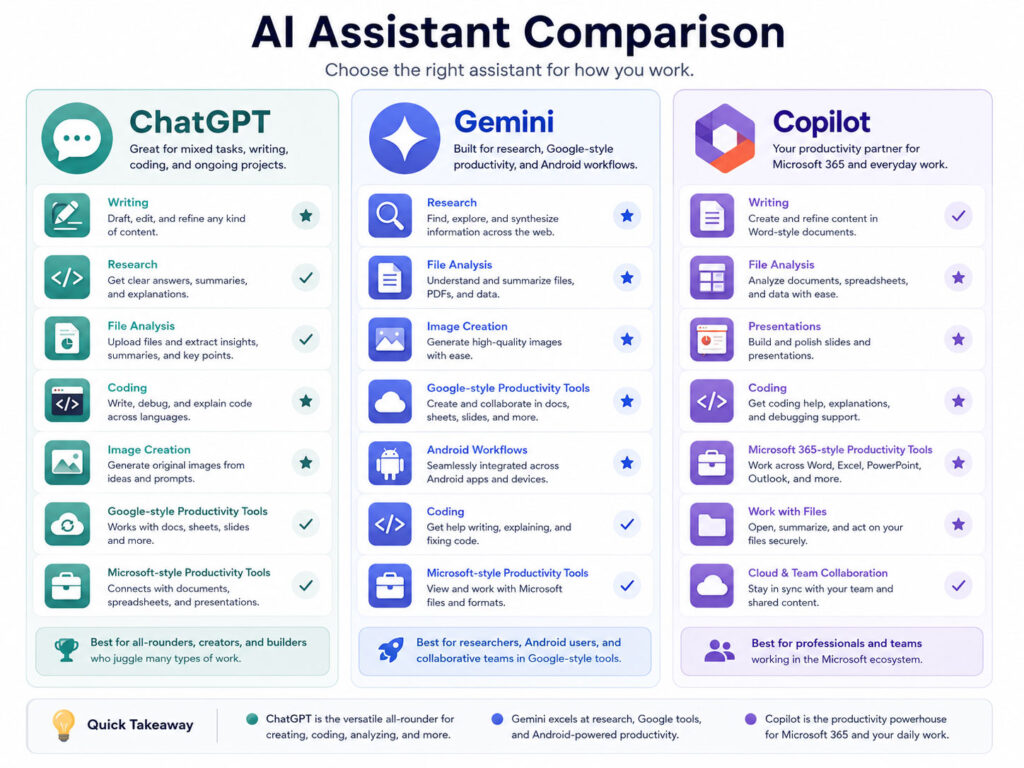
ChatGPT vs Gemini vs Copilot is one of the most useful AI comparisons for students, professionals, developers, creators, and everyday users. All three assistants can answer questions, draft content, explain topics, work with files, and support research. However, each assistant fits a different digital ecosystem.
ChatGPT works well as a broad, general-purpose AI workspace. Gemini connects closely with Google services, while Microsoft Copilot becomes especially useful for people who rely on Windows and Microsoft 365.
Therefore, the best AI assistant depends on your tasks, preferred apps, budget, and working style. This guide compares their practical strengths without treating one tool as the perfect choice for everyone.
What Is an AI Assistant?
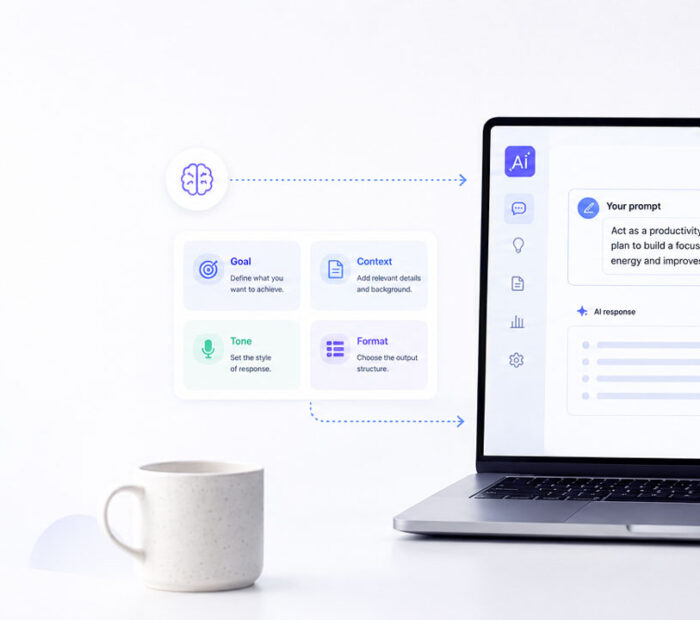
An AI assistant understands natural-language instructions and helps users complete digital tasks. For example, it can explain a topic, rewrite an email, summarize a document, analyze a file, generate ideas, or help with code.
Modern AI assistants also support tools beyond normal chat. Depending on the product and plan, they may search the web, conduct deeper research, create images, analyze data, accept voice input, or connect with other apps.
Still, AI assistants can make mistakes. As a result, users should verify important facts, calculations, sources, and recommendations before acting on them.
What Is ChatGPT?
ChatGPT is OpenAI’s general-purpose AI assistant. It supports everyday conversation, writing, web search, deep research, file analysis, image understanding, data analysis, voice, image generation, projects, memory, and editable workspaces such as Canvas.
Because ChatGPT combines many tools in one place, it suits users who move between different tasks. For example, the same workspace can support research, planning, content creation, coding help, spreadsheet analysis, and image work.
What Is Gemini?
Gemini is Google’s AI assistant. It supports conversational help, file analysis, Deep Research, Canvas, image tools, connected apps, and reusable assistants called Gems.
Gemini becomes especially practical for users who already work with Google services. For instance, users can connect supported Google apps, work with Drive content, and export responses to tools such as Google Docs or Gmail when their account supports those options.
What Is Microsoft Copilot?
Microsoft Copilot is Microsoft’s AI assistant for everyday questions, writing, files, images, voice, research, and idea development.
Microsoft also offers deeper Copilot experiences through Microsoft 365. Depending on the subscription and organization settings, these experiences can support work inside apps such as Word, Excel, PowerPoint, Outlook, and Teams.
In this article, “Copilot” refers to the general Microsoft Copilot assistant. Whenever Microsoft 365 integration matters, the comparison mentions it separately.
Quick Comparison
| Point | ChatGPT | Gemini | Copilot |
|---|---|---|---|
| Best Fit | General AI work across many task types | Users who rely on Google apps and services | Users who rely on Microsoft tools and Windows |
| Research | Web search and deep research tools | Deep Research with Google-connected workflows | Web answers and deep research tools |
| Files | Documents, images, spreadsheets, and data analysis | File analysis with strong Google Drive connections | File analysis with Microsoft-focused workflows |
| Long-Term Work | Projects, memory, and Canvas | Gems, Canvas, connected apps, and chat history | Pages, chat history, and Microsoft 365 workflows |
| Office Ecosystem | Flexible across different tools | Strong fit for Google Workspace users | Strong fit for Microsoft 365 users |
This comparison shows the main direction of each assistant. However, feature access can vary by plan, account type, region, device, and organization settings.
Which AI Assistant Is Better for Writing?
All three assistants can draft emails, reports, summaries, social posts, outlines, and other written content. Therefore, writing quality often depends more on the prompt, context, and revision process than on the product name alone.
Choose ChatGPT when you want a flexible workspace for drafting, revising, organizing, and continuing a project across several conversations. In contrast, Gemini can feel more convenient when your writing starts or ends in Google Docs or Gmail.
Copilot becomes useful when your writing belongs inside the Microsoft ecosystem. For example, Microsoft 365 users may prefer to work with Word, Outlook, PowerPoint, and related files without changing their normal workflow.
Which One Is Better for Research?
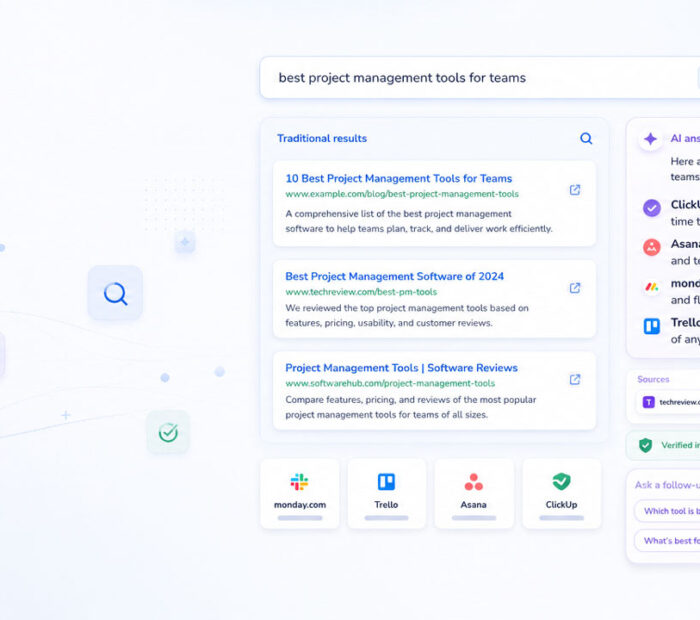
ChatGPT, Gemini, and Copilot all offer research-oriented experiences. However, research quality can change with the question, sources, product mode, and plan.
ChatGPT can search the web and produce documented deep-research reports. Similarly, Gemini offers Deep Research and can combine research with uploaded files or connected Google content. Copilot also provides web-based answers and a Deep Research option.
For important research, do not select a winner based only on one demonstration. Instead, give each assistant the same question, request source links, and compare the final evidence.
Which One Is Better for Files and Documents?
Each assistant can work with uploaded files, although supported formats and limits may differ.
ChatGPT suits mixed file work, including documents, images, spreadsheets, and data analysis. Meanwhile, Gemini has an advantage for people who keep their work in Google Drive or want to export results into Google tools.
Copilot fits users who already store documents in Microsoft services or work through Microsoft 365. Nevertheless, users should check the exact plan because personal Copilot and Microsoft 365 Copilot do not offer identical integrations.
Which One Is Better for Coding?
All three assistants can explain code, generate examples, find likely errors, suggest tests, and help users learn programming concepts.
ChatGPT works well for broad coding conversations, project planning, debugging, and iterative problem solving. Gemini can help developers analyze code and connect supported GitHub repositories in the web app. Copilot can also explain and generate code, although developers may separately use GitHub Copilot for deeper editor-based coding assistance.
However, AI-generated code may contain security flaws, outdated methods, or incorrect assumptions. Therefore, developers should review, test, and scan every important change before using it in production.
Which One Is Better for Images?
ChatGPT, Gemini, and Copilot all provide image-related capabilities. They can create images from prompts, while some experiences also support image analysis or editing.
Still, results vary by prompt, model, plan, and content policy. Consequently, users should compare the tools with the same visual brief before choosing one for regular design work.
Which One Works Better with Your Apps?
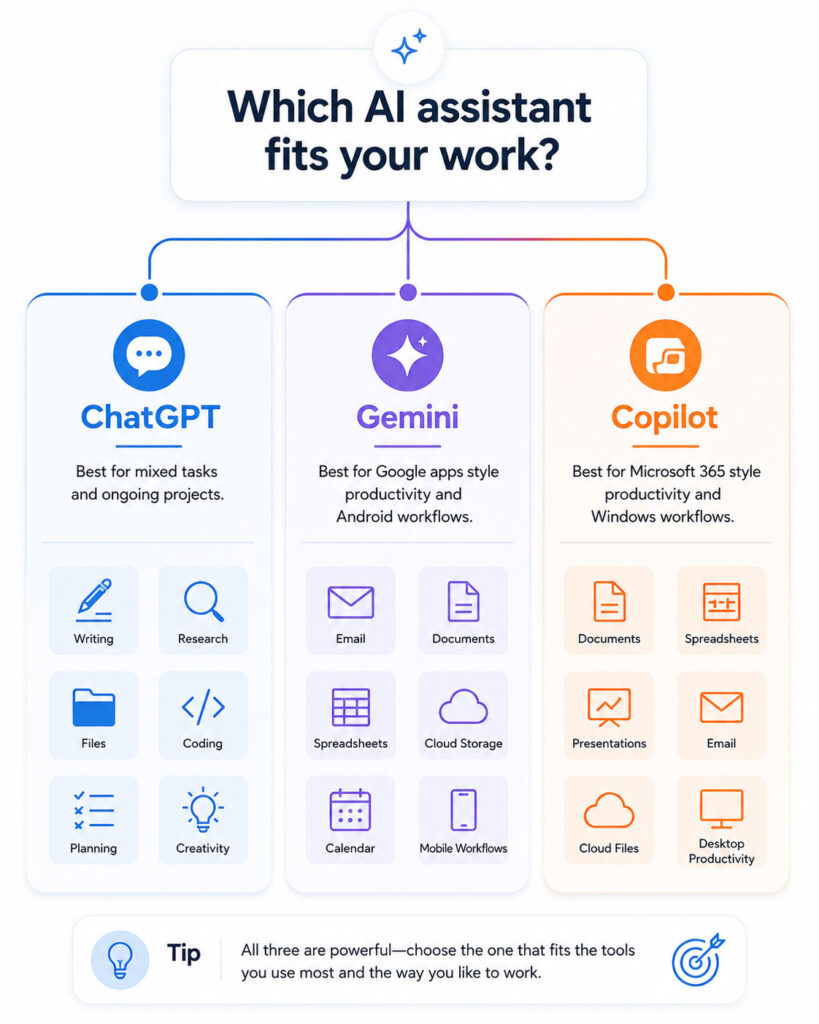
Your existing software often decides the most practical choice.
| Your Main Tools | Most Natural Starting Point |
|---|---|
| Mixed tools, files, research, and creative work | ChatGPT |
| Gmail, Google Docs, Drive, Android, and Google services | Gemini |
| Word, Excel, PowerPoint, Outlook, Teams, and Windows | Copilot |
Even so, this table describes convenience rather than absolute quality. You may prefer another assistant because of its interface, response style, limits, or specific tools.
Free Plans vs Paid Plans
All three products offer some level of free access, while paid plans usually increase limits or unlock additional capabilities.
However, companies update plans, models, and usage limits frequently. For that reason, avoid choosing a yearly plan based only on an old comparison article.
Before subscribing, check the official plan page and confirm the features you actually need. Also, consider file limits, research limits, image tools, integrations, privacy controls, and team requirements.
ChatGPT Is a Good Choice When
Choose ChatGPT when you want one assistant for many different types of work.
- Your tasks include writing, research, coding, files, data, and images.
- Ongoing work benefits from Projects or memory.
- Longer writing or coding tasks need an editable workspace.
- Different apps support your work instead of one office ecosystem.
- Connected tools and data sources matter to your workflow.
Therefore, ChatGPT fits users who value a broad, flexible AI workspace.
Gemini Is a Good Choice When
Choose Gemini when Google services already support most of your daily work.
- Gmail, Google Docs, Drive, Calendar, or Android play a central role.
- Exporting AI responses into Google Workspace tools saves time.
- Deep Research needs access to Google-connected content.
- Reusable Gems can support repeated tasks.
- Google’s mobile and connected-app experience matches your routine.
As a result, Gemini can reduce extra steps for users who live inside the Google ecosystem.
Copilot Is a Good Choice When
Choose Copilot when Microsoft tools form the centre of your workflow.
- Windows and Microsoft services support your daily work.
- Word, Excel, PowerPoint, Outlook, or Teams handle most documents.
- Your workplace provides Microsoft 365 Copilot access.
- Microsoft documents and collaboration tools need built-in AI support.
- Copilot Pages or Microsoft file workflows match your needs.
Consequently, Copilot becomes most valuable when Microsoft integration matters more than a separate AI workspace.
How to Compare the Three Fairly
A fair comparison needs the same task, context, and success criteria.
- Choose one real task you perform often.
- Give all three assistants the same clear prompt.
- Attach the same non-sensitive source file when needed.
- Compare accuracy, structure, source quality, and editing effort.
- Check whether the assistant works with your normal apps.
- Repeat the test with writing, research, and file analysis.
Afterwards, choose the assistant that saves the most time without reducing accuracy or control.
Do You Need More Than One AI Assistant?
Some users benefit from using two assistants instead of forcing one tool to handle every task.
For example, a Google Workspace user may use Gemini for connected Google tasks and ChatGPT for broader projects. Likewise, a Microsoft 365 user may use Copilot inside office apps and another assistant for independent research or creative work.
However, multiple subscriptions can increase cost and scatter your work across platforms. Therefore, start with one assistant and add another only when a clear need appears.
Privacy and Safety Tips
Never assume that every AI account handles data in the same way. Personal, business, school, and enterprise accounts may follow different controls and policies.
- Do not upload confidential files without checking the service terms and account settings.
- Remove personal details when the task does not require them.
- Use business or enterprise plans for controlled workplace data when appropriate.
- Review connected apps and remove access you no longer need.
- Verify important facts, calculations, legal points, health information, and financial guidance.
- Review AI-generated code before production use.
In addition, remember that every AI assistant can produce incorrect or incomplete answers.
Final Verdict
No single assistant wins every category.
ChatGPT is a practical choice for users who want a broad workspace across research, writing, coding, data, files, and creative tasks. Gemini is a natural fit for users who depend on Google services and connected Google content. Copilot is a strong fit for users whose work centres on Windows and Microsoft 365.
Therefore, choose based on your real workflow rather than popularity alone. The best AI assistant is the one that completes your regular tasks accurately, safely, and with the least extra effort.
Conclusion
ChatGPT vs Gemini vs Copilot is not a simple one-winner comparison.
Each assistant can help with writing, research, files, images, coding, and everyday questions. However, their integrations and working styles create different advantages.
Start with ChatGPT for a flexible all-purpose workspace, Gemini for Google-focused work, or Copilot for Microsoft-focused productivity. Then, test the same real tasks before paying for a long-term plan.

AboutTPJ Technical Team
The Project Jugaad Technical Team creates practical, easy-to-follow content on software development, web technologies, artificial intelligence, cybersecurity, cloud platforms, and digital tools. Our articles are informed by more than 13 years of hands-on experience with .NET, Angular, SQL Server, AWS, WordPress, Linux hosting, application deployment, and real-world troubleshooting. Each guide is researched, reviewed, and updated to provide accurate, useful, and actionable information for developers, businesses, and everyday technology users.