Cyber Security
Data Breach Explained is an important topic because many users store personal information online. Email accounts, shopping websites, social media platforms, cloud storage, banking apps, and business tools can all contain sensitive data.
A data breach happens when private, confidential, or protected information reaches someone who should not have access to it. As a result, users may face password attacks, phishing messages, identity misuse, or financial risk.
Therefore, every internet user should understand what a data breach means, how it can happen, and what steps can reduce the damage.
What Is a Data Breach?
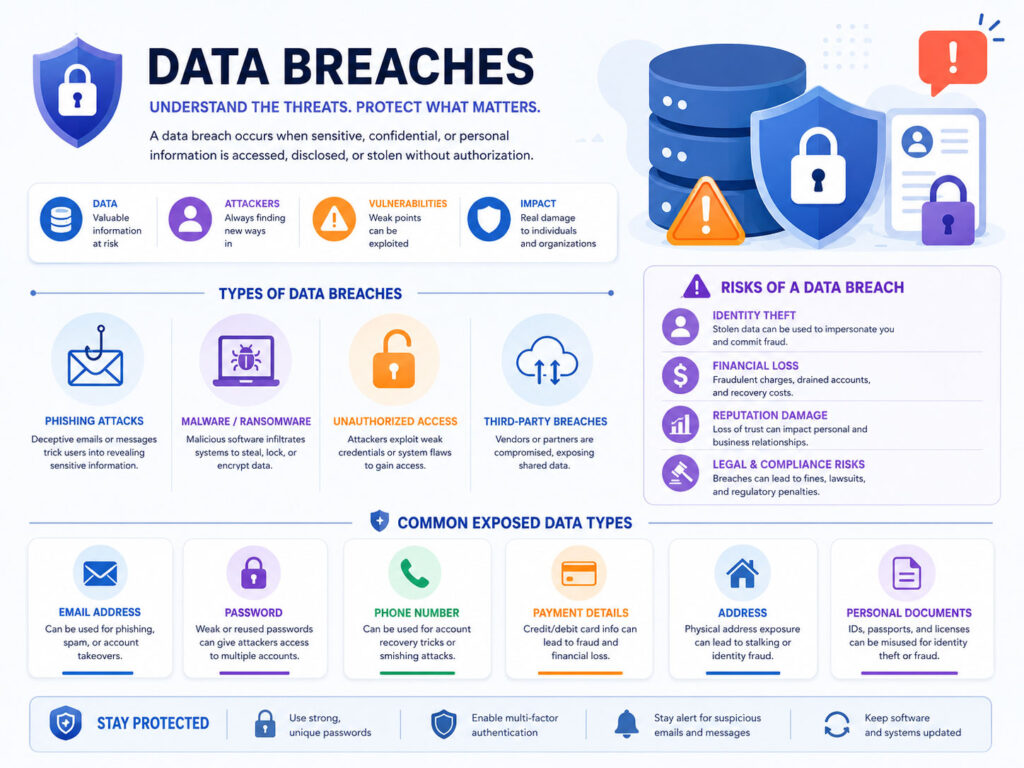
A data breach is a security incident where private information becomes exposed without proper permission.
For example, attackers may break into a company database and copy customer email addresses, passwords, phone numbers, payment details, or personal records.
In simple words, a data breach means that someone accessed or exposed private data in an unsafe way.
What Is a Data Leak?
A data leak is similar to a data breach, but it may happen because of a mistake or weak setting.
For example, a company may make a file public by mistake, use weak cloud storage settings, or send sensitive details to the wrong person.
Although the cause may be different, the risk is similar. Personal or sensitive information may reach the wrong people.
What Information Can Get Exposed?
A data breach can expose different types of information. However, the impact depends on what data becomes public and how quickly the user responds.
| Data Type | Possible Risk |
|---|---|
| Email Address | More phishing emails and scam messages |
| Password | Account takeover risk, especially if the password is reused |
| Phone Number | Spam calls, fake messages, and social engineering attempts |
| Address | Privacy risk and possible identity misuse |
| Payment Details | Financial fraud risk if card or payment data leaks |
| Personal Documents | Identity theft or misuse of personal records |
Even basic information can create risk when attackers combine it with other leaked data.
How Data Breaches Happen
Data breaches can happen in many ways. Sometimes attackers target companies directly. In other cases, users fall for phishing emails, fake login pages, or unsafe downloads.
Common causes include:
- Weak or stolen passwords.
- Phishing emails and fake login pages.
- Malware infections on devices.
- Old software with security gaps.
- Wrong cloud storage or database settings.
- Accidental sharing by employees or users.
- Lost or stolen phones, laptops, or storage devices.
Because of these risks, data protection needs both secure systems and careful user behavior.
Why Data Breaches Are Dangerous
A data breach can create problems even when only basic details leak.
For example, scammers may use your email address and name to send more convincing phishing messages. Also, if your password leaks and you used it on other websites, attackers may try the same password there.
Therefore, password reuse is one of the biggest risks after a breach. One leaked password can put many accounts in danger.
Warning Signs Your Data May Have Leaked
You may not always know immediately that your data leaked. However, some warning signs can help you act early.
- You receive unusual password reset emails.
- You get more spam, scam, or phishing messages.
- Your account shows login attempts from unknown locations.
- Your contacts receive strange messages from your account.
- Your payment card shows unknown transactions.
- You cannot log in because someone changed your password.
- A website or app sends you a security alert.
If you notice these signs, secure your important accounts quickly. First, protect your email account because it often controls password resets for other services.
What to Do If Your Data Is Leaked
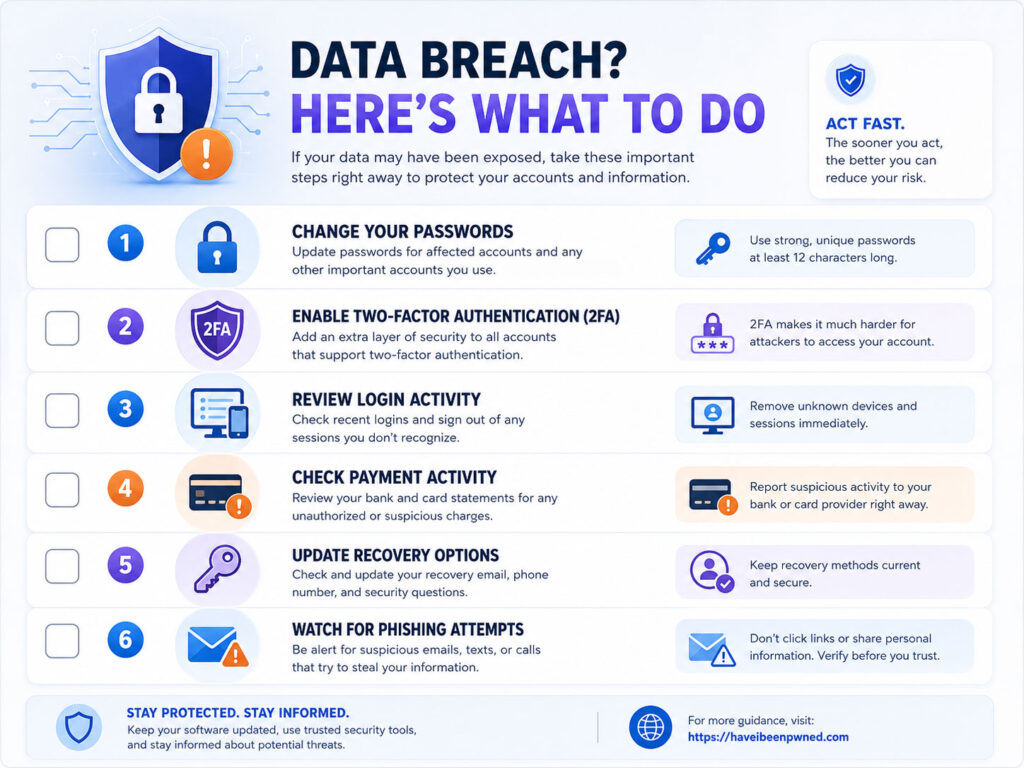
If your data leaks, do not panic. Instead, take action step by step and focus on the most important accounts first.
| Step | What to Do |
|---|---|
| Change Passwords | Update passwords for affected and important accounts |
| Enable 2FA | Add two-factor authentication wherever possible |
| Check Login Activity | Review recent sessions and sign out unknown devices |
| Watch Payments | Check bank and card activity for unknown transactions |
| Beware of Phishing | Be careful with emails, calls, and messages after a leak |
| Update Recovery Options | Check recovery email, phone number, and backup codes |
These steps can reduce damage and help you regain control.
Change Reused Passwords First
If one password leaks, attackers may try it on many websites.
So, change the affected password first. Then, change the same password anywhere else you used it.
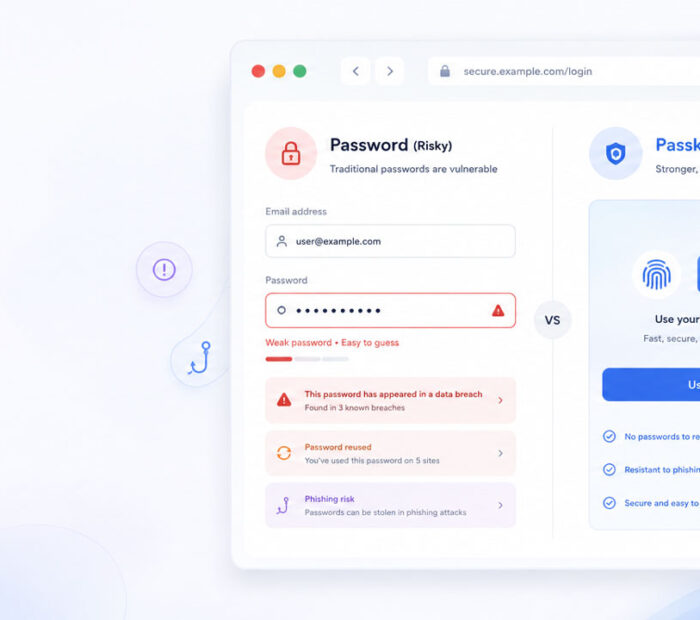
For better safety, use a different password for every important account. A password manager can help you create and store strong unique passwords.
Enable Two-Factor Authentication
Two-factor authentication adds an extra security step after your password.
Even if someone knows your password, they may still fail to access your account when 2FA protects it.
Use an authenticator app, passkey, or security key when the website supports it. If stronger options are not available, SMS-based 2FA is still better than no 2FA.
Be Careful with Phishing After a Breach
After a data breach, scammers may use leaked details to create more believable messages.
For example, they may include your name, email address, phone number, or service name to make a fake email look real. As a result, you may feel the message is genuine.
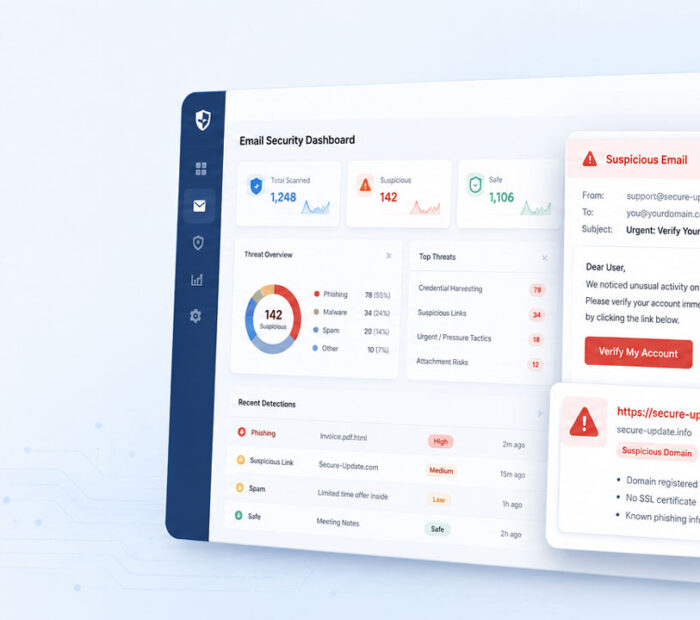
Be careful with urgent messages that ask you to click a link, share an OTP, reset a password, make a payment, or download a file.
- Do not click suspicious links.
- Do not share OTPs, passwords, or recovery codes.
- Open important websites by typing the address yourself.
- Check sender email addresses carefully.
- Verify urgent requests through trusted channels.
Also, remember that real support teams should not ask for your password or OTP.
How to Reduce Data Breach Risk
You cannot control every company’s security. However, you can reduce your personal risk with better habits.
- Use strong and unique passwords for every important account.
- Use a password manager to store passwords safely.
- Enable two-factor authentication.
- Keep email, phone, and recovery options updated.
- Do not share unnecessary personal information online.
- Delete accounts you no longer use.
- Keep devices, apps, and browsers updated.
- Stay alert for phishing emails, calls, and messages.
These habits make it harder for attackers to misuse leaked information.
What Businesses Should Learn from Data Breaches
Businesses should handle customer data carefully because data trust is part of business trust.
They should limit access to sensitive data, use strong authentication, update systems, monitor unusual activity, train employees, and keep backup plans ready.
In addition, businesses should collect only the data they truly need. Less unnecessary data means less risk if something goes wrong.
Conclusion
Data Breach Explained simply means understanding how private information can reach the wrong people.
A data breach can expose emails, passwords, phone numbers, addresses, payment details, or personal documents. The risk becomes higher when users reuse passwords or ignore security alerts.
If your data leaks, change passwords, enable two-factor authentication, review login activity, check payment activity, and watch for phishing. With strong security habits, you can reduce the impact of data breaches and protect your online accounts better.

AboutTPJ Technical Team
The Project Jugaad Technical Team creates practical, easy-to-follow content on software development, web technologies, artificial intelligence, cybersecurity, cloud platforms, and digital tools. Our articles are informed by more than 13 years of hands-on experience with .NET, Angular, SQL Server, AWS, WordPress, Linux hosting, application deployment, and real-world troubleshooting. Each guide is researched, reviewed, and updated to provide accurate, useful, and actionable information for developers, businesses, and everyday technology users.