Cyber Security
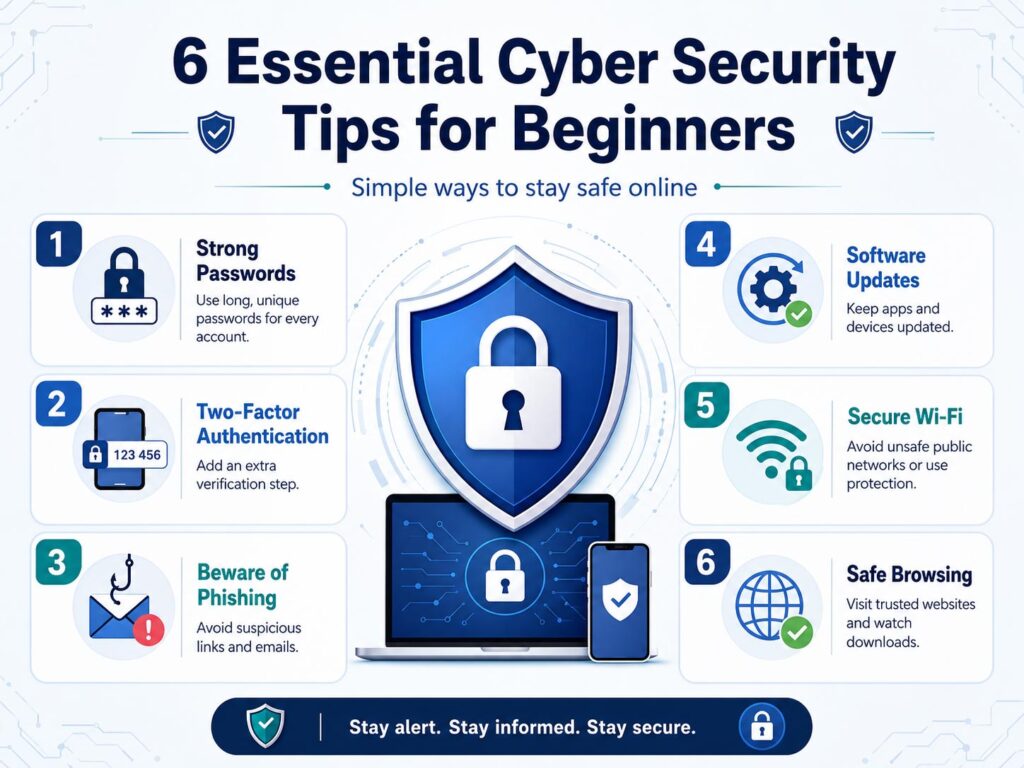
Cyber Security Tips for Beginners can help you stay safe while using the internet, mobile apps, email, online banking, social media, and work-related accounts.
Today, almost everyone uses digital services daily. However, many users still ignore basic online safety habits. As a result, they may face problems like password theft, phishing attacks, fake links, malware, and data loss.
The good news is simple. You do not need to be a cyber security expert to protect yourself. With a few smart habits, you can reduce many common online risks.
What Is Cyber Security?
Cyber security means protecting your devices, accounts, data, and online activity from digital threats.
These threats may include hackers, fake emails, harmful websites, unsafe downloads, weak passwords, and suspicious apps. Sometimes, attackers try to steal money. Other times, they try to steal personal information, business data, or login details.
Therefore, cyber security is not only important for companies. It is also important for students, office users, business owners, parents, freelancers, and normal internet users.
Why Cyber Security Is Important for Beginners
Beginners often think cyber attacks happen only to large companies. However, attackers also target normal users because many people use weak passwords, click unknown links, or ignore security updates.
For example, a fake email may look like it came from a bank, delivery company, social media platform, or payment app. If you click the wrong link and enter your password, attackers may access your account.
Because of this, basic cyber security awareness can protect your money, privacy, identity, and important files.
Common Online Threats You Should Know
Before learning safety tips, it helps to understand the common risks.
| Threat | What It Means |
|---|---|
| Phishing | Fake emails, messages, or websites that try to steal your information |
| Weak Passwords | Simple or repeated passwords that attackers can guess easily |
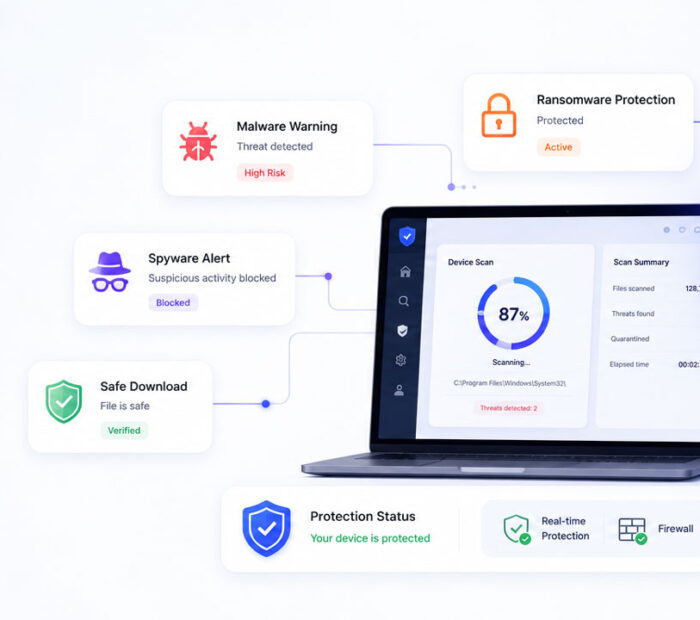
| Malware | Harmful software that can damage devices or steal data |
| Unsafe Wi-Fi | Public or unknown networks that may expose your activity |
| Fake Apps | Apps that look useful but may collect data or harm your device |
| Data Loss | Losing files because of device failure, mistakes, or attacks |
Use Strong and Unique Passwords
A strong password is one of the easiest ways to protect your online accounts.
Use a different password for every important account. If you use the same password everywhere, one leaked password can put many accounts at risk.
A good password should be long, difficult to guess, and unique. You can also use a password manager to store passwords safely instead of trying to remember all of them.
- Avoid using your name, birth date, mobile number, or simple words as passwords.
- Do not reuse the same password on multiple websites.
- Use longer passwords with a mix of words, numbers, and symbols.
- Change passwords quickly if you suspect any account issue.
In short, strong passwords create the first layer of protection for your digital life.
Enable Two-Factor Authentication
Two-factor authentication adds an extra security step after your password.
For example, after entering your password, you may need to approve the login from an authenticator app, passkey, security key, or verification code. Because of this extra step, attackers may fail to access your account even if they know your password.
Use two-factor authentication for important accounts such as email, banking, social media, cloud storage, and work accounts.
Whenever possible, use an authenticator app, passkey, or security key. SMS codes are still better than no protection, but stronger methods can provide better safety.
Be Careful with Phishing Emails and Messages
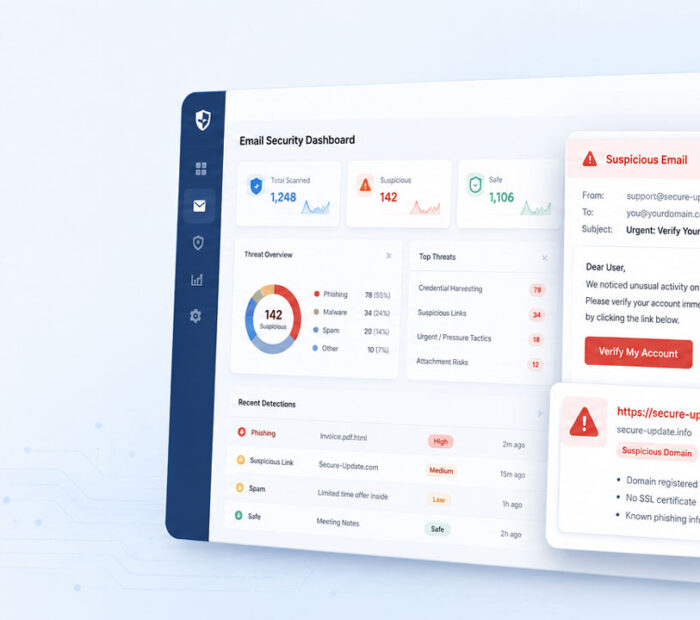
Phishing is one of the most common online attacks. Attackers send fake emails, SMS messages, or social media messages to trick users.
They may ask you to click a link, download a file, update payment details, claim a prize, or verify your account urgently.
Before you click anything, check the message carefully.
- Check the sender email address or phone number.
- Do not trust messages that create panic or urgency.
- Avoid clicking unknown or shortened links.
- Do not download attachments from unknown senders.
- Visit the official website manually instead of using suspicious links.
- Never share passwords, OTPs, PINs, or banking details through messages.
If something feels suspicious, pause and verify it from an official source.
Keep Software and Devices Updated
Software updates are not only for new features. They also fix security problems.
Attackers often use old security issues to target outdated devices, browsers, apps, and operating systems. Therefore, regular updates can reduce risk.
- Update your mobile operating system regularly.
- Keep your computer browser updated.
- Update apps from official app stores only.
- Remove apps that you no longer use.
- Restart devices after important updates when needed.
This simple habit can protect your device from many known threats.
Use Public Wi-Fi Carefully
Public Wi-Fi is convenient, but it may not always be safe.
Avoid logging in to banking, payment, or sensitive accounts while using unknown public Wi-Fi. If you must use public Wi-Fi, avoid entering private information unless the connection is trusted and secure.
Also, turn off automatic Wi-Fi connection on your devices. This prevents your phone or laptop from joining unknown networks without your permission.
Download Apps and Files from Trusted Sources
Unsafe downloads can install malware on your device.
Download apps only from trusted sources such as official app stores or official websites. Also, avoid cracked software, unknown APK files, pirated tools, and suspicious browser extensions.
Before installing any app, check its reviews, permissions, developer name, and download source. If an app asks for unnecessary permissions, think twice before installing it.
Back Up Your Important Data
Backup protects your files when something goes wrong.
You may lose data because of device damage, accidental deletion, ransomware, malware, or hardware failure. However, a proper backup can help you recover important files.
You can use cloud storage, an external hard drive, or both. For important files, keep more than one copy in different places.
| Backup Option | Best For |
|---|---|
| Cloud Storage | Easy access, automatic sync, and remote backup |
| External Hard Drive | Large files, offline storage, and personal backup control |
| Both Together | Better safety for important photos, documents, and work files |
Protect Your Personal Information
Your personal information has value. Attackers can misuse your name, phone number, email address, ID details, photos, and financial information.
So, avoid sharing personal details on unknown websites, forms, apps, or messages. Also, review privacy settings on social media platforms and keep sensitive information private.
Think before posting personal details online. Once something becomes public, it can be difficult to control where it goes.
What to Do If You Suspect a Security Problem
If you think your account or device has a security issue, act quickly.
- Change the password of the affected account.
- Enable two-factor authentication if it is not already enabled.
- Log out from unknown devices or sessions.
- Scan your device with trusted security software.
- Contact the official support team of the affected service.
- Inform your bank immediately if payment or banking details are involved.
Quick action can reduce damage and help you regain control.
Conclusion
Cyber Security Tips for Beginners are simple but powerful. Strong passwords, two-factor authentication, careful clicking, regular updates, safe downloads, and backups can protect you from many common online threats.
Most cyber security problems start with small mistakes. However, small safety habits can also prevent many serious issues.
Stay alert, verify before you click, protect your accounts, and review your online activity regularly. These basic steps can help you stay safer in the digital world.

AboutTPJ Technical Team
The Project Jugaad Technical Team creates practical, easy-to-follow content on software development, web technologies, artificial intelligence, cybersecurity, cloud platforms, and digital tools. Our articles are informed by more than 13 years of hands-on experience with .NET, Angular, SQL Server, AWS, WordPress, Linux hosting, application deployment, and real-world troubleshooting. Each guide is researched, reviewed, and updated to provide accurate, useful, and actionable information for developers, businesses, and everyday technology users.